In June and July of 2011, I presented a series of six workshops on the open source photomanipulation application called the GIMP (GNU Image Manipulation Program) at Princeton Public Library. In the series, inspired by one of the attendees, I decided to focus on emotion and color in design. Below are the presentation framework, the source and project files, fonts, brushes, etc.
Project files are available at in the folders palettes, fonts, textures and brushes.
In this YouTube video below, you can watch me use the GNU Image Manipulation Program (GIMP) in order to bring a texture and a photo together with very little effort using layer modes in GIMP. If you look closely at the image above, you can see the finished effect, a picture of my father interspersed with a subtle flowery texture.
Let’s do something great together! Interested in doing something like this with your company? You can reach me at 609 553 9498, john@lemasney.com, or as lemasney on various social networks.
I would love the opportunity to help you, wherever you are, whenever you are ready. I always enjoy talking with groups and individuals on topics like technology, training, open source, and design. If there is some way that I can help you with these and related topics, please contact lemasney at lemasney@gmail.com, 609 553 9498 or Let’s do something great together! This content is released under a creative commons attribution license, some rights reserved. cc-by lemasney
I showed prints from my 365 Sketches project in the upstairs gallery of the Ocean County Library in Toms RIver, NJ. The show was up for the entire month of June, 2011.
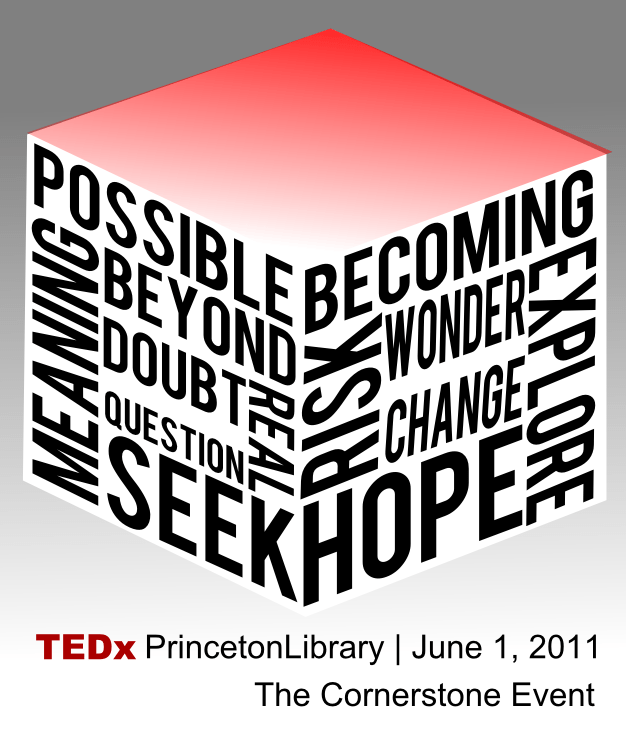
June 1st, 2011: For a few months leading up to June, 2011, I was part of a team that came together to produce a TEDx event under the TEDxPrincetonLibrary brand. I was responsible for the web presence, graphic design and branding, and other technology related tasks. On the day, I was mostly responsible for setting up the stage for each speaker.
Abstract: In this workshop on the basics of visual design best practices, we’ll examine examples and counterexamples of great design, the basics of layout, simplified color theory, rules for fonts and legibility, images and photographs, designing stamps vs pages vs slideshows vs billboards, copyright and creative commons, and free and open source design tools (photo manipulation, illustration, layout, catalogs, and quick editors).